
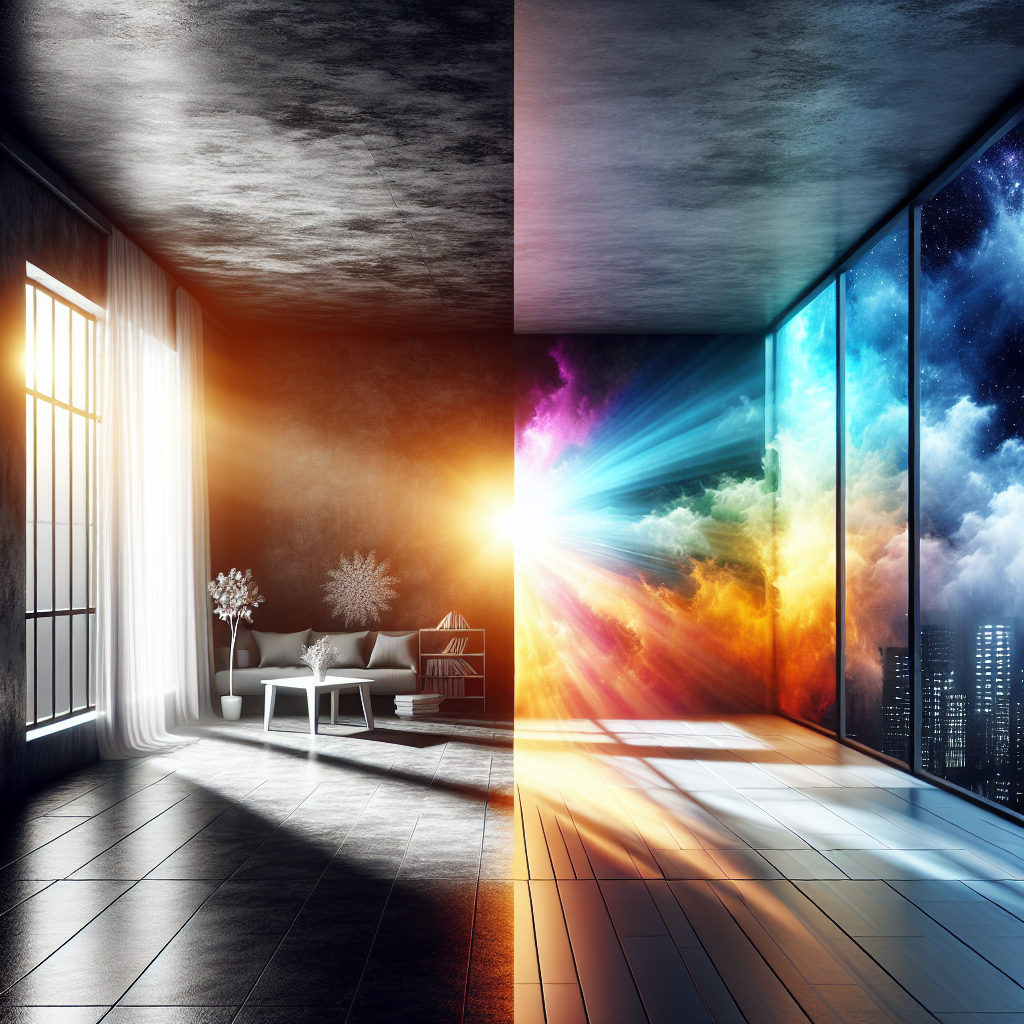
HDR10 vs SDR: How Dynamic Range Really Changes What You See
What dynamic range actually means
Dynamic range describes the span between the darkest and brightest parts of an image that a system can capture, store, and display. In simple terms, it answers one question: how much detail survives from deep shadows to intense highlights.
With low dynamic range, dark areas collapse into flat black and bright areas wash out into white. With higher dynamic range, you still see texture in a black leather jacket and subtle patterns in a bright cloud next to the sun. That difference is the core of hdr10 vs sdr.
A quick way to picture it:
-
Imagine a dimly lit living room with a bright window.
-
On an SDR TV, the view outside may look fine, but the room turns into a silhouette.
-
On a good HDR10 TV with the same scene, you can see the fabric on the couch, the grain in the coffee table, and still keep detail in the sky.
Dynamic range is not just about brightness. It also involves how finely brightness steps are divided (bit depth), how much color the format can represent (color gamut), and how the signal is mapped to the display’s actual capabilities (tone mapping). HDR10 is a specific standard that expands all of these compared to SDR.
HDR vs SDR: formats in plain language
When people say hdr vs sdr, they usually compare two chains:
-
SDR (Standard Dynamic Range): Built around older standards like Rec.709 color and a gamma curve designed for CRT-era brightness.
-
HDR10: A widely adopted open HDR format using PQ (Perceptual Quantizer) transfer, Rec.2020 container color space, and static metadata.
A concrete example: watch a night cityscape.
-
On an SDR Blu-ray, streetlights bloom into featureless blobs and the sky turns into a uniform dark gray.
-
On an HDR10 stream of the same master, the lamps show halo gradients, neon signs keep their saturated color, and you can still pick out faint clouds above the skyline.
HDR10 does this by encoding more brightness information and more color detail into the same 10-bit signal. The TV then uses metadata to map that signal to its peak brightness and contrast.
HDR10 vs SDR: brightness, color depth, and compatibility
The hdr10 vs sdr debate often gets tangled in jargon. The table below focuses on three practical aspects: brightness handling, color depth, and compatibility.
FeatureSDR (Rec.709 / Gamma)HDR10 (PQ / Rec.2020 container)Target peak brightness~100 nits mastering reference1,000–4,000 nits mastering reference (content), display-dependent outputTypical display brightness200–400 nits on many consumer TVs and monitors600–2,000+ nits on HDR-capable TVs and high-end monitorsBlack level handlingLimited shadow detail, more crush in dark scenesFiner gradation in shadows, more detail in low-light scenesBit depth (common)8-bit video (256 levels per channel)10-bit video (1,024 levels per channel)Color gamutRec.709 (roughly sRGB)Rec.2020 container, usually mastered close to DCI‑P3 within that containerBanding riskHigher, especially in skies and gradientsLower, smoother gradients, less visible stepsMetadataNone for dynamic rangeStatic metadata (MaxFALL, MaxCLL) to guide tone mappingSignal compatibilityUniversal on all modern displaysRequires HDR-capable display; otherwise tone-mapped down to SDRContent sourcesBroadcast TV, older Blu-ray, many web videosUHD Blu-ray, streaming services, game consoles, modern GPUsTypical use caseLegacy workflows, low-end displays, web deliveryPremium movies, AAA games, high-end streaming, modern consoles and PCs
An everyday scenario: a sports match on a sunny day.
-
SDR broadcast: the white jerseys glow, but grass looks slightly dull and uniform.
-
HDR10 stream: the jerseys stay bright without losing texture, and the field shows subtle shades of green with visible mowing patterns.
How HDR10 content looks on SDR displays
HDR10 content does not disappear on an SDR display. It goes through tone mapping and conversion to fit within SDR limits. That conversion decides how hdr10 vs sdr feels when you do not own an HDR screen.
Tone mapping down to SDR
When HDR10 is played on an SDR-only display, one of three things usually happens:
-
The player or OS converts HDR10 to SDR using a software tone-mapping algorithm.
-
The streaming app requests an SDR version of the same title from the service.
-
The TV or monitor receives an HDR signal but treats it incorrectly, producing washed-out or dark images.
When tone mapping works well, you get a watchable image, but certain HDR benefits disappear:
-
Bright highlights are compressed into a smaller brightness range.
-
Very dark details get lifted or crushed, depending on the algorithm.
-
Saturated colors are remapped into the narrower Rec.709 gamut.
Example: a candlelit scene in a drama.
-
On a calibrated HDR10 display, the flame has a bright core, a soft falloff, and you can see subtle texture in the wax and background shadows.
-
On an SDR display with basic HDR-to-SDR conversion, the flame loses its intense core, the background shadows flatten, and the overall scene looks more evenly lit but less atmospheric.
Common issues when viewing HDR10 on SDR
Some artifacts are especially frequent:
-
Washed-out image: If the HDR signal is interpreted as SDR, midtones look gray and contrast drops. Skin tones appear pale, and black bars look dark gray.
-
Crushed shadows: Poor tone mapping can turn half the dark range into near-black, hiding detail in hair, clothing, and night scenes.
-
Clipped highlights: Specular reflections on metal, water, or glass may lose detail and turn into flat white shapes.
Take a racing game as a concrete example.
-
On HDR10: sunlight glints off the car hood with visible reflections, and tunnel entries remain readable without blinding contrast jumps.
-
On SDR conversion: the car’s reflections become flat, and the transition into tunnels either blows out or becomes too dark.
For many viewers, these issues are subtle but noticeable once you compare side by side. That is why some streaming platforms offer both HDR and SDR versions and let the device choose the best match.
HDR10 comparison: when does HDR actually matter?
Not every scene benefits equally from HDR. A practical hdr10 comparison looks at content type, viewing environment, and display quality.
Content types that gain the most
-
High-contrast scenes: Sunsets, city nights, fireworks, and sci‑fi interiors with bright UI elements all gain obvious impact from HDR10.
-
Games with dynamic lighting: Titles like “Cyberpunk 2077” or “Forza Horizon” use HDR10 to make neon, headlights, and weather effects feel more lifelike.
-
Nature documentaries: Snowfields, deep forests, and underwater scenes show richer color and more gradations in light.
Compare two versions of a mountain sunrise documentary:
-
The SDR version shows a pleasing image, but snow highlights blend together and the sky gradient bands slightly.
-
The HDR10 version keeps texture in bright snow, smooth gradients in the sky, and subtle color shifts near the sun.
When SDR is still fine
HDR10 is not automatically better for every scenario. SDR remains a solid choice when:
-
The display’s peak brightness is low (for example, budget office monitors at ~250 nits).
-
The viewing environment is very bright, such as a sunlit office where subtle dark details are lost anyway.
-
The content is graphic or UI-heavy with flat colors that do not rely on nuanced shading.
For a screencast tutorial of a code editor, hdr vs sdr matters less than font clarity and compression quality. SDR can be easier to manage and more consistent across different viewers’ setups.
Recommendations for creators: choosing between HDR10 and SDR
Creators face different trade-offs than viewers. The hdr10 vs sdr decision affects capture, grading, delivery, and support.
When creators should prioritize HDR10
HDR10 is worth the extra work when:
-
The project relies on mood and lighting: narrative films, prestige series, cinematic game trailers.
-
You know a significant portion of the audience watches on HDR TVs, consoles, or modern phones.
-
The distribution platform supports HDR10 properly (UHD Blu‑ray, major streaming services, modern consoles, and GPUs).
Concrete example: a short film festival piece mastered for streaming.
-
Shooting in log or RAW, grading in an HDR workflow, and delivering HDR10 allows precise control over candlelight, neon signs, and night cityscapes.
-
An SDR downconvert can still be provided, but the flagship experience is HDR10.
HDR10 workflow considerations
For video and film creators:
-
Capture: Use log or RAW profiles that preserve highlight detail. Cameras from Sony, Canon, Panasonic, and Blackmagic all offer suitable modes.
-
Monitoring: Grade on a reference display with true HDR capabilities (1,000 nits peak, accurate PQ, and at least DCI‑P3 coverage). Avoid relying solely on laptop screens.
-
Grading: Work in an HDR color-managed environment (for example, Rec.2020 container with PQ) and use scopes to control highlight roll‑off and shadow detail.
-
Deliverables: Export both HDR10 and SDR versions. Manually control the SDR tone map rather than trusting automatic conversions.
For game developers:
-
Implement HDR10 rendering pipelines and test across multiple TV brands.
-
Provide in-game calibration screens, including peak brightness sliders and logo visibility tests.
-
Offer toggles for HDR vs SDR to avoid forcing HDR on displays that handle it poorly.
When creators should stay with SDR
Sticking with SDR is reasonable when:
-
The team lacks HDR monitoring and calibration tools.
-
The content is primarily destined for laptops, office monitors, or web embeds where HDR support is inconsistent.
-
Deadlines or budgets do not allow for parallel HDR and SDR mastering.
An instructional design team creating hundreds of training clips for corporate LMS platforms will usually gain more from a rock-solid SDR pipeline than from partial HDR10 adoption.
Recommendations for viewers: getting the best image
From the viewer side, hdr vs sdr is mostly about making the right settings choices for the device and room.
When to enable HDR10
Turn on HDR10 when:
-
The TV or monitor is rated for HDR (look for HDR10 support, at least 600 nits peak, and decent local dimming or OLED).
-
You watch in a dim or moderately lit room where shadow detail is visible.
-
The content is mastered for HDR10: UHD Blu‑ray discs, HDR streams, modern console or PC games.
Example: a living room with a mid-range 4K HDR TV.
-
Enable HDR10 in the TV settings and on the console or streaming box.
-
Use the built-in HDR calibration where available.
-
Choose the HDR version of a movie on the streaming app when both are offered.
When to prefer SDR
Choose SDR in these situations:
-
The display claims HDR support but has low peak brightness and no effective local dimming, leading to dull or uneven HDR.
-
The room is extremely bright, causing HDR dark scenes to look muddy.
-
You notice consistent issues like raised blacks, washed-out colors, or flickering brightness when HDR is enabled.
A common scenario: a budget HDR monitor connected to a laptop.
-
Windows or macOS may allow system-wide HDR, but desktop apps and web videos can look odd.
-
Disabling HDR at the OS level and letting content play back in SDR often yields more consistent results.
Practical tuning tips
-
Use reference modes: Select “Cinema,” “Filmmaker Mode,” or similar, which tend to respect HDR10 metadata.
-
Avoid dynamic contrast for HDR: Extra processing can fight the tone mapping and cause pumping brightness.
-
Check streaming app settings: Some apps let you disable HDR or limit bandwidth; this can stabilize quality on slower connections.
FAQ: hdr10 vs sdr
Is HDR10 always better than SDR?
No. HDR10 has more potential for brightness and color detail, but the actual result depends on the display, the master, and the viewing environment. On a weak HDR display or in a very bright room, a well-mastered SDR version can look more consistent and comfortable.
Can an SDR TV play HDR10 content?
Yes, but not natively. The player, app, or OS converts HDR10 to SDR through tone mapping. The image remains watchable, yet some highlight detail, shadow nuance, and color depth are reduced compared to viewing HDR10 on a proper HDR display.
Do games benefit more from HDR10 than movies?
Often they do. Games render frames in real time and can adapt brightness and tone mapping interactively. Bright spell effects, explosions, and day–night transitions feel more natural in HDR10. Movies also benefit, but they rely entirely on how the HDR grade was authored.
Is HDR10 the same as Dolby Vision?
No. HDR10 uses static metadata, while Dolby Vision uses dynamic metadata that can change scene by scene. Dolby Vision can, in theory, preserve more detail and consistency across varied content. However, HDR10 has broader baseline support and remains the default HDR format on many devices.
What do creators need to start working in HDR10?
Creators need cameras that capture high dynamic range, an HDR-capable reference monitor, HDR-aware editing and grading software, and a delivery path that accepts HDR10 masters. They also need a reliable way to create SDR versions, either through manual trims or carefully tuned automatic tone mapping.
Should viewers upgrade to an HDR TV just for HDR10?
Upgrade if movies, series, and games are a priority and the budget allows a mid-range or better HDR display. The jump from SDR to HDR10 is noticeable on good hardware. For casual viewing on a small screen or in bright environments, the gain may be modest compared to other upgrades like size or sound.


Leave a Reply