
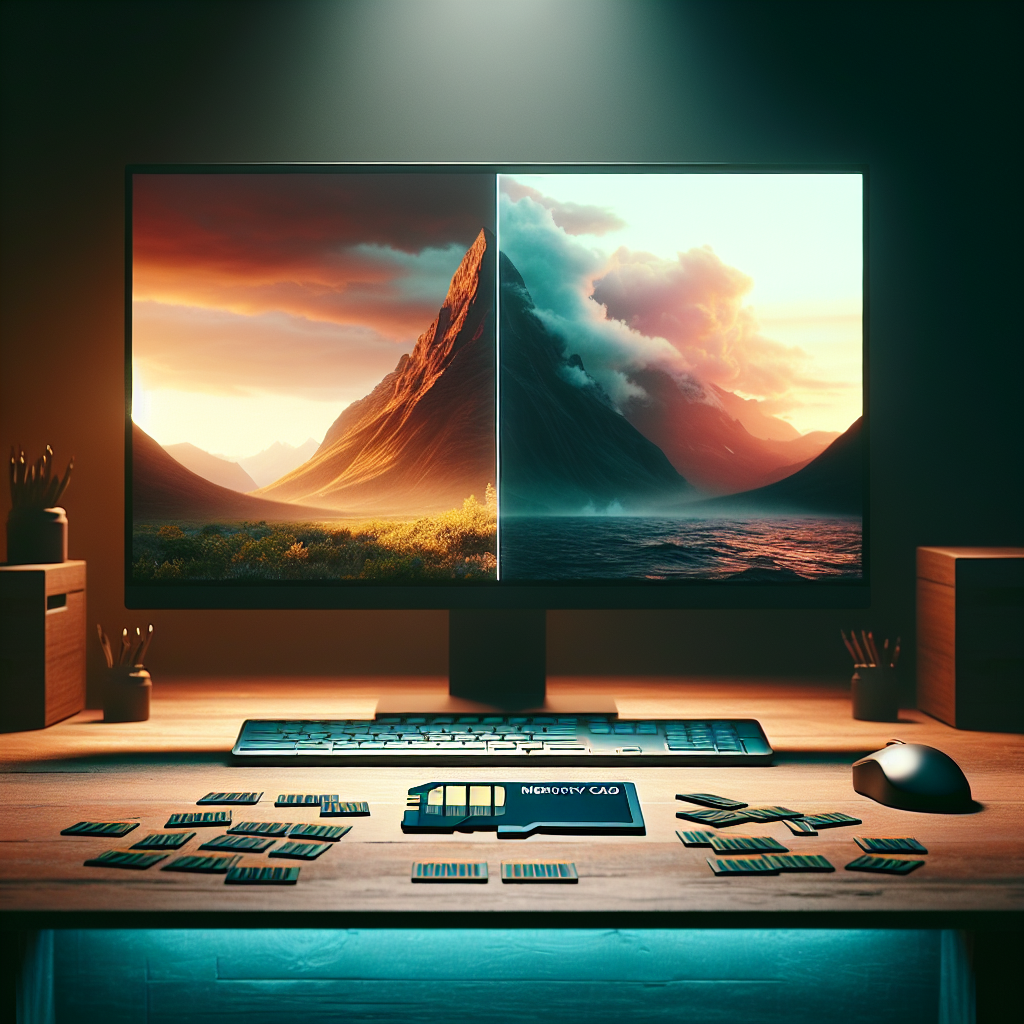
RAW vs JPEG: How to Choose the Right Format for Your Photography
Choosing between RAW vs JPEG shapes how much control you have over your photos, how fast you can work, and how much storage you burn through. The file format is not just a technical checkbox in your camera menu. It is a decision about how much work you want to do after pressing the shutter and how much flexibility you keep for later.
Many photographers end up asking the same questions: Is RAW or JPEG for photography better for beginners? Does RAW vs JPG quality really matter if the photos just go on social media? This guide walks through the trade-offs in practical terms so you can pick the format that matches how and what you shoot.
What RAW and JPEG Actually Are
Before weighing RAW vs JPEG, it helps to understand what each file contains.
What a RAW File Contains
A RAW file is the camera’s unprocessed sensor data, wrapped in a manufacturer-specific container. Canon calls it CR3, Nikon uses NEF, Sony uses ARW, and so on. Under the hood, they all share the same idea: preserve as much information as possible.
Key traits of RAW files:
-
High bit depth: Typically 12-bit or 14-bit per channel, sometimes more. That means thousands of tonal values per color channel instead of just 256.
-
Wide dynamic range: More detail in bright highlights and deep shadows.
-
Non-destructive editing: Adjustments in Lightroom, Capture One, or similar tools are just metadata instructions. The original data stays intact.
-
No baked-in style: White balance, contrast, and color profiles are suggestions, not permanent changes.
Example: You photograph a sunset with strong contrast between the glowing sky and a dark foreground. In RAW, you can pull up the shadows 2–3 stops, recover highlight detail in the clouds, and still avoid harsh banding in the gradient sky. The file holds enough data to tolerate that heavy editing.
What a JPEG File Contains
A JPEG is a processed, compressed image that follows a universal standard. Every phone, browser, and TV knows how to display it.
Key traits of JPEG files:
-
8-bit per channel: 256 levels per color channel. This is enough for viewing and light editing but limits how far you can push exposure and color.
-
Smaller file size: Compression can reduce the file to 1/5 or less of a comparable RAW file.
-
Baked-in look: The camera applies white balance, contrast curves, sharpening, and noise reduction according to your picture style settings.
-
Widely compatible: JPEG opens everywhere, no special software needed.
Example: You shoot a team photo at a corporate event and need to email it to marketing within minutes. A high-quality JPEG from the camera, with a neutral picture style, can go straight into an email with no extra processing.
RAW vs JPEG Quality: What Really Changes
Discussions about RAW vs JPG quality often get abstract. The practical differences show up when you start editing, printing, or rescuing difficult exposures.
Dynamic Range and Recovery
RAW files hold more dynamic range. That matters when the scene includes bright skies, reflective surfaces, or deep shadows.
-
With RAW, you can recover blown highlights that look lost in the JPEG preview.
-
You can brighten underexposed parts by several stops while keeping noise and banding under control.
Example: A backlit portrait at noon. The subject’s face is in shadow, the background is bright. A RAW file lets you lift the face, tame the background highlights, and keep skin tones looking smooth. A JPEG from the same shot often shows blotchy shadows and clipped highlights once you push it.
Color Flexibility and White Balance
Because RAW keeps the original sensor data, white balance is fully adjustable in post without quality loss.
-
You can change a RAW image from tungsten to daylight white balance cleanly.
-
On a JPEG, strong white balance changes introduce color noise, banding, and strange skin tones.
Example: A wedding reception lit with mixed tungsten and LED lights. You may not have time to set precise white balance in camera. With RAW, you can batch-correct white balance later and keep consistent skin tones across the entire set.
Detail, Noise, and Sharpening
The raw vs jpg quality difference is also visible at the pixel level.
-
JPEG compression removes fine textures and introduces artifacts, especially at higher ISO.
-
The camera’s noise reduction on JPEG can smear low-contrast details, such as hair, fabric, or foliage.
-
RAW gives full control over noise reduction and sharpening, tailored to the subject and output size.
Example: A high-ISO indoor sports image at ISO 6400. The RAW file lets you apply targeted noise reduction to shadows while preserving jersey textures and facial detail. The JPEG from the same moment often looks softer, with plastic-looking skin and crushed shadows.
Workflow and Speed: RAW or JPEG for Photography on a Deadline
Quality is not the only metric. The choice between RAW or JPEG for photography often comes down to workflow, deadlines, and how many images you need to deliver.
When JPEG Speeds You Up
JPEG shines when you need fast turnaround and minimal editing.
-
Event coverage: Conferences, trade shows, or local news where images must go live within minutes.
-
High-volume shoots: School portraits, team photos, or e-commerce catalog work using consistent lighting.
-
On-the-go sharing: Travel images sent directly from camera or phone to social media.
Example: A photojournalist covering a protest for a news outlet. The editor wants images on the website within 10 minutes. Shooting JPEG with a neutral picture profile and correct exposure allows direct transmission through the camera’s FTP or a phone app, without a RAW editing step.
When RAW Is Worth the Extra Step
RAW adds time and software requirements, but the payoff is flexibility.
-
Portfolio work: Landscapes, portraits, and architecture meant for large prints or long-term use.
-
Commercial projects: Campaigns where clients may request alternate crops, color grades, or composite work.
-
Unpredictable lighting: Concerts, stage performances, or night street photography where exposure and white balance vary rapidly.
Example: A restaurant shoot for a new menu. Art direction changes mid-session: the client wants warmer tones, brighter highlights on the food, and a darker background. RAW files handle these changes gracefully without degrading quality.
Storage, Backup, and File Management
The practical side of RAW vs JPEG appears again when looking at storage costs and backup strategies.
File Size and Card Management
RAW files are large. A 24-megapixel camera often produces:
-
20–35 MB per RAW file
-
5–10 MB per high-quality JPEG of the same scene
Shooting a 3-hour sports tournament at 10 frames per second can easily generate tens of gigabytes.
Example: A wildlife photographer on a week-long trip with limited access to power. Shooting only RAW at 45 megapixels could fill multiple 128 GB cards quickly. A mixed approach—RAW for key moments and JPEG for routine action—reduces the burden on cards and backup drives.
Backup and Long-Term Archiving
More data means more responsibility.
-
RAW archives require larger and more frequent backups.
-
JPEG-only workflows reduce storage needs but lock in the look forever.
A practical approach is to keep RAW files for critical projects and long-term portfolio work while using JPEG for disposable or low-stakes images.
Example: A portrait studio might archive RAW files for all booked sessions for at least one year, enabling reorders and re-edits. At the same time, behind-the-scenes snapshots and social media content can be stored as JPEG only and rotated out more aggressively.
Camera Settings and In-Camera Processing
The way the camera handles RAW vs JPEG differs, and that affects what you see on the rear screen.
Picture Styles and Profiles
On JPEG, picture styles directly shape the final file:
-
Contrast curves
-
Saturation and color tone
-
Sharpening and noise reduction
On RAW, these settings mostly affect the embedded preview and the histogram, but the actual sensor data remains unchanged. Editing software can apply similar profiles, but you are not locked in.
Example: Shooting a fashion lookbook in JPEG with a high-contrast, vivid picture style can make clothes pop on the LCD, but it also risks clipped highlights and oversaturated skin in the final files. In RAW, a flat or neutral profile on the LCD can look dull, yet it preserves headroom for a refined grade later.
Histograms and Exposure Decisions
Even when recording RAW, the camera histogram is based on a JPEG preview. This matters when pushing exposure to the right.
-
A histogram that looks close to clipping may still have recoverable detail in RAW.
-
When shooting JPEG-only, the same exposure might produce unrecoverable highlight loss.
Example: Landscape work at sunrise. Exposing to keep the sky just under clipping on the JPEG histogram gives a safe buffer in RAW, allowing subtle highlight recovery. With JPEG-only, that same exposure risks blown color channels in the sunlit clouds.
Hybrid Approaches: Using RAW and JPEG Together
The choice is not always RAW or JPEG for photography. Many cameras support RAW+JPEG capture, which can offer the best of both worlds if managed carefully.
RAW+JPEG for Fast Delivery and Deep Edits
RAW+JPEG makes sense when:
-
Clients need same-day previews.
-
You want quick culling and social media posts, but also full control for final edits.
A common workflow:
-
Shoot RAW+JPEG.
-
Use JPEGs to quickly select keepers and share previews.
-
Edit only the corresponding RAW files for final delivery.
Example: A wedding photographer delivering a “same-day slideshow” during the reception. JPEGs are used to assemble a quick highlight reel on a laptop. After the event, the photographer edits the RAW versions of those same images for the final album.
When to Commit to One Format
Hybrid capture doubles the number of files to manage. For some situations, committing to a single format is cleaner.
-
Pure RAW for controlled, high-value shoots where every frame matters.
-
Pure JPEG for casual travel, personal snapshots, or social-only content.
Example: A weekend city break with friends. Carrying a small mirrorless camera set to JPEG only, with a neutral profile, keeps the workflow simple: shoot, share, and move on, without spending hours in post-processing afterward.
Practical Recommendations by Genre
Different types of photography place different demands on RAW vs JPEG.
Portrait and Wedding Photography
-
Recommended: RAW or RAW+JPEG.
-
Reason: Skin tone accuracy, mixed lighting, and client re-edit requests.
Example: A bride asks for a black-and-white version of a color image two months after the wedding, with slightly softer contrast. The RAW file makes that adjustment straightforward without degrading quality.
Landscape and Architecture
-
Recommended: RAW.
-
Reason: High dynamic range scenes, subtle color grading, and large prints.
Example: A cityscape shot at blue hour, printed at 30×40 inches. The RAW file supports precise control over highlight roll-off, shadow detail, and local contrast that would be difficult to achieve from a JPEG.
Sports and Wildlife
-
Recommended: RAW for critical work, JPEG or RAW+JPEG for high-volume bursts.
-
Reason: Fast action, high frame rates, and large file counts.
Example: Covering a football game for a wire service. JPEG-only can handle the volume and speed for live feeds, while RAW is reserved for key hero images used in magazine covers or advertising.
Street and Travel
-
Recommended: Depends on intent.
-
RAW for gallery-quality work and prints.
-
JPEG for casual documentation and quick sharing.
-
Example: A street photographer working on a long-term project for a book uses RAW to refine color and contrast across years of images. The same photographer may switch to JPEG when documenting personal trips without plans for serious editing.
FAQ: RAW vs JPEG
Is RAW always better than JPEG?
No. RAW offers higher image quality and flexibility, but it demands more storage, time, and software. JPEG is better when speed, simplicity, and universal compatibility matter more than maximum editing latitude.
Does RAW vs JPG quality matter for social media?
For small, compressed social posts, the visible difference is often minimal if the exposure and white balance are already good. RAW still helps when you want a consistent, polished look across a series or when you plan to reuse images later for print or portfolios.
Should beginners start with RAW or JPEG?
Beginners who want to learn editing and understand exposure benefit from RAW. However, someone overwhelmed by post-processing or limited to a phone workflow may be better off starting with JPEG, then moving to RAW once comfortable with basic controls.
Do RAW files look worse out of camera than JPEGs?
Often yes, at first glance. RAW previews can look flat or low-contrast because they are designed to preserve information, not to look finished. JPEGs use in-camera processing to add contrast, saturation, and sharpening, which makes them appear more “ready” on the camera screen.
Can you convert JPEGs to RAW later?
No. Converting a JPEG to a RAW format wrapper does not restore lost data. Once the camera has compressed and processed the image as JPEG, the extra dynamic range and bit depth are gone. You can still edit a JPEG, but with less headroom.
What software is needed to work with RAW files?
Popular options include Adobe Lightroom Classic, Adobe Camera Raw, Capture One, DxO PhotoLab, and manufacturer tools like Canon Digital Photo Professional or Nikon NX Studio. Many RAW editors support batch processing and camera-specific color profiles.
Is RAW worth it if the camera has good JPEG output?
Modern cameras produce excellent JPEGs, especially in consistent lighting. RAW is still valuable when you need room for creative color grading, frequent exposure adjustments, or future-proofing for new uses, such as large prints or rebranding campaigns.
Choosing the Right Format for Your Next Shoot
The RAW vs JPEG decision is less about right and wrong and more about priorities.
-
Choose RAW when image quality, editing flexibility, and long-term value outweigh the extra storage and time.
-
Choose JPEG when speed, simplicity, and direct sharing are more important than maximum latitude.
-
Use RAW+JPEG when you need quick previews and fast delivery, but still want full control for final outputs.
Before each project, ask three questions:
-
How fast do the final images need to be delivered?
-
How much editing and re-editing is expected later?
-
How critical is every last bit of detail and dynamic range?
Answering those questions honestly will guide you toward the right choice for your workflow, whether that means leaning into RAW, trusting your camera’s JPEG engine, or combining both.


Leave a Reply